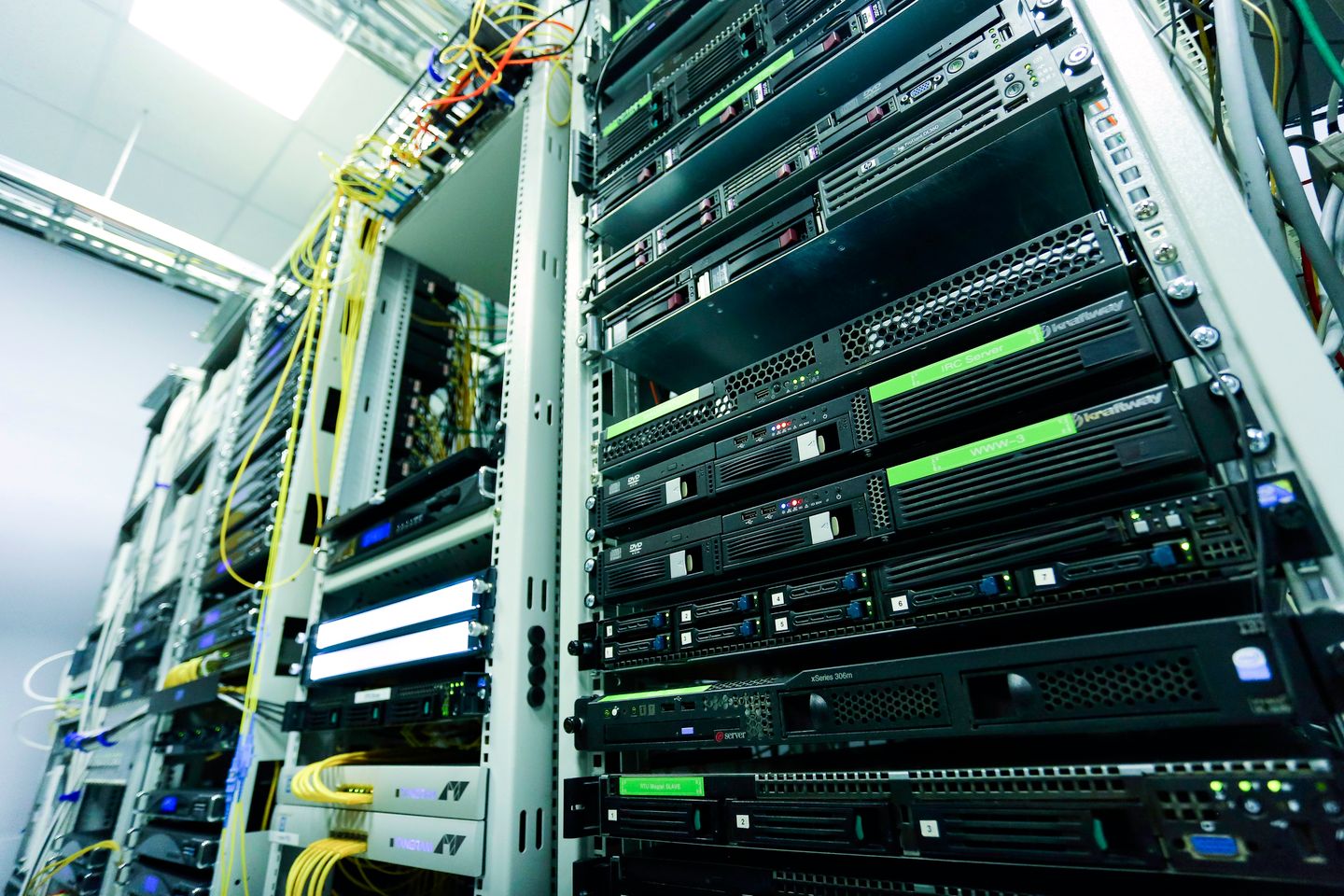

Interpreting FortiGate records in their site context
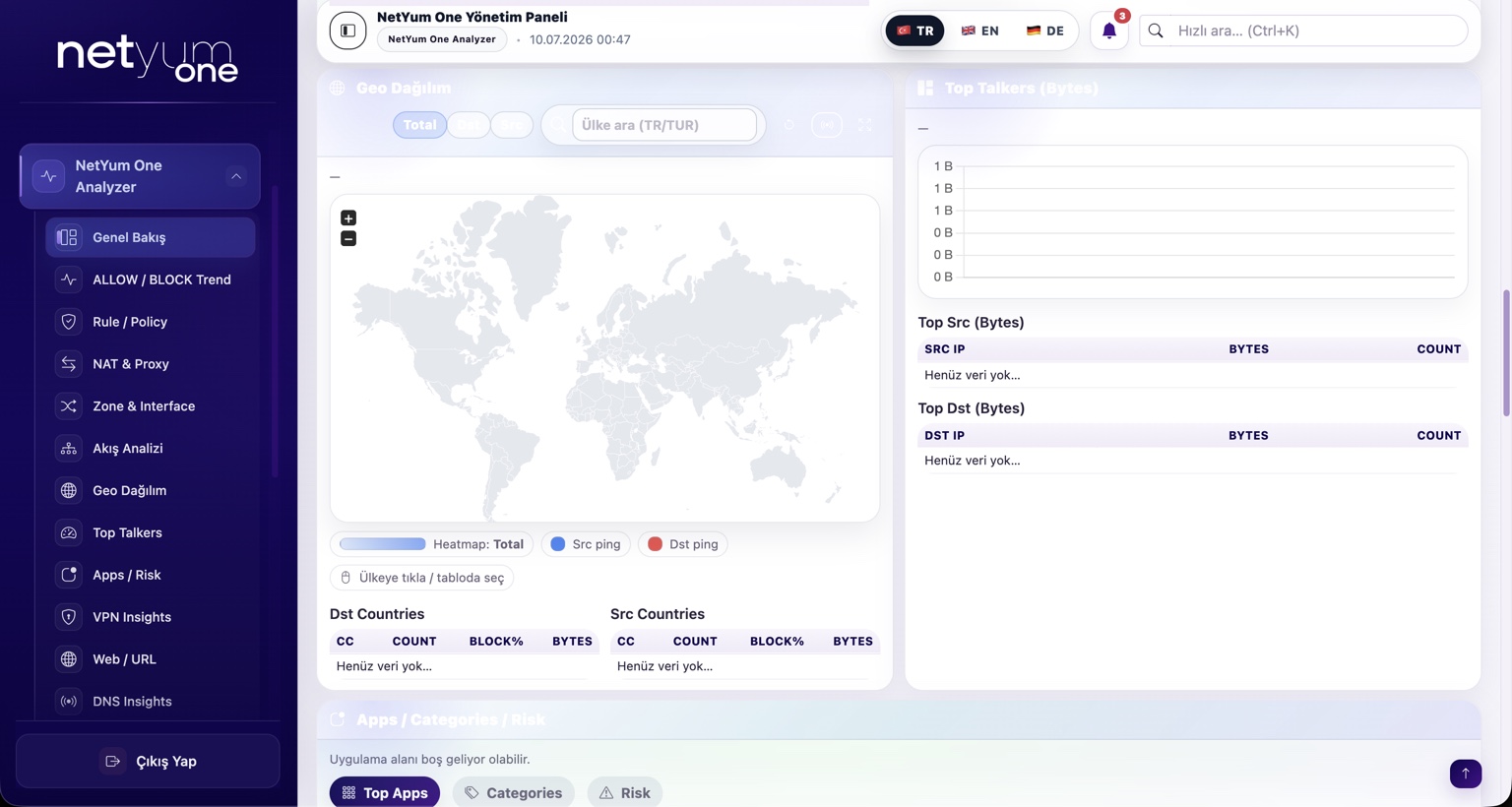
When an organization operates several FortiGate devices, similar events may originate at different sites. Integration with Netyum One Analyzer focuses on understanding the network and location behind those events, rather than simply collecting records. Syslog options are evaluated for the deployed FortiOS version and architecture.
Inconsistent branch names make central reports difficult to read. Device identities and time settings are clarified first; traffic, VPN and security event samples are then used to verify that the relevant fields are represented correctly.
Where does Netyum One fit?
Cloud Hotspot focuses on guest access and portal management; Analyzer focuses on network-event visibility. Endpoint DLP is a separate layer for data movement on endpoints. Keeping these roles distinct makes the expected integration outcome clear: connecting a firewall does not mean every endpoint policy has also been deployed.
Pre-project checklist
- Device and location naming
- FortiOS version and log delivery settings
- Source filters and report checks
How is the rollout organized?
Start by identifying the deployed version, network design and responsible people. Select a limited pilot and document expected results for both successful and unsuccessful scenarios. Plan the wider rollout after acceptance checks. Repeating the same examples after an update makes changes in behavior easier to recognize.
Let’s assess your setup
Share the product version, number of locations and your main operational priority. Together, we can define the integration scope and pilot steps.