

Clear responsibilities for portal zones and access rules
Guest networks, staff networks and management interfaces should be considered separately in a pfSense deployment. Planning a Netyum One Cloud Hotspot integration brings the portal zone, authentication method and session policy into one design. The selected approach is assessed against the existing pfSense configuration.
A working login screen is not the whole service. DNS resolution, routing, client access and logout behavior also need testing, so the support team can distinguish wireless connectivity issues from authentication failures.
Where does Netyum One fit?
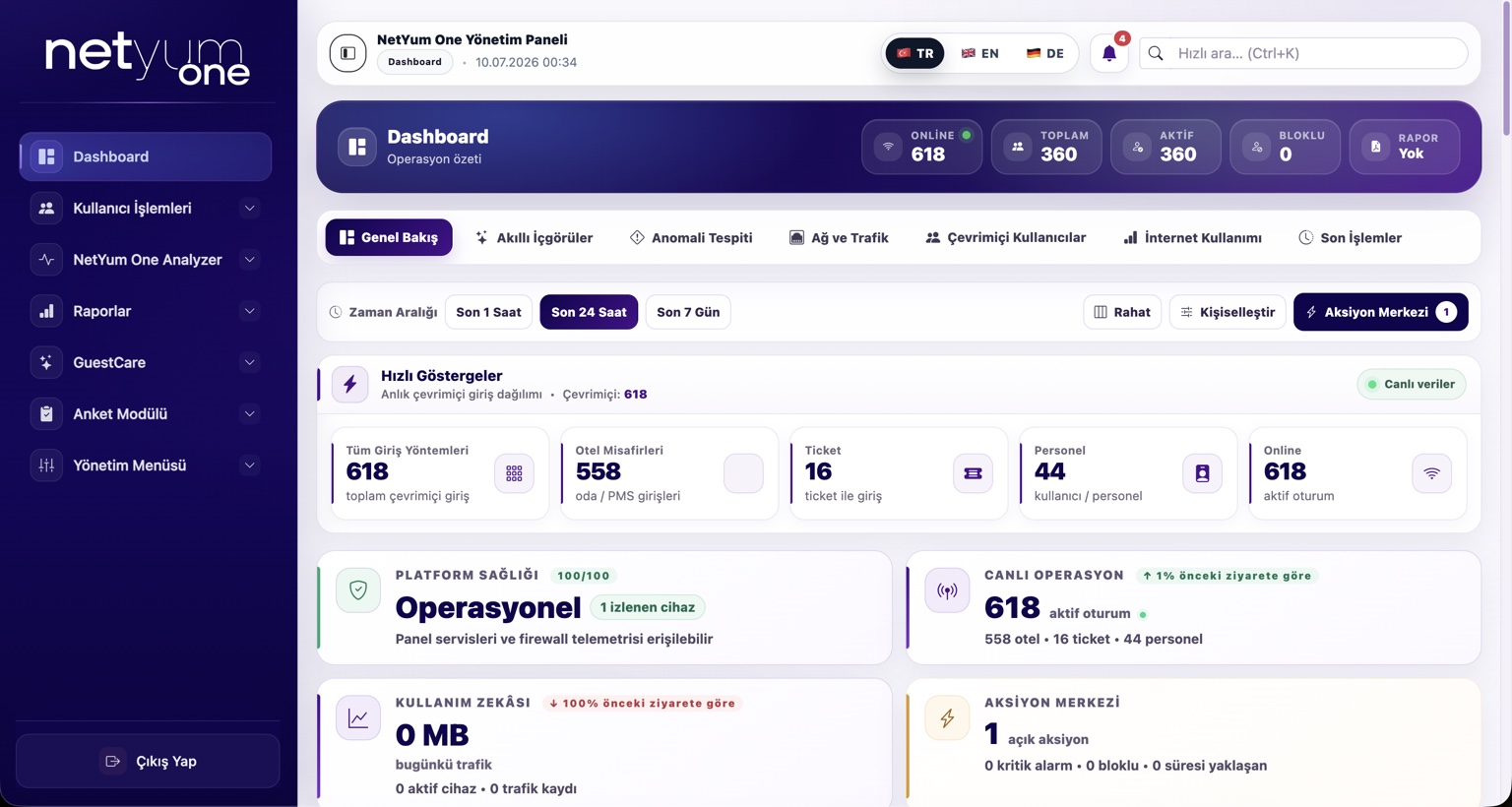
Cloud Hotspot focuses on guest access and portal management; Analyzer focuses on network-event visibility. Endpoint DLP is a separate layer for data movement on endpoints. Keeping these roles distinct makes the expected integration outcome clear: connecting a firewall does not mean every endpoint policy has also been deployed.
Pre-project checklist
- Portal zone and network separation
- DNS and access path
- Failed login and session termination
How is the rollout organized?
Start by identifying the deployed version, network design and responsible people. Select a limited pilot and document expected results for both successful and unsuccessful scenarios. Plan the wider rollout after acceptance checks. Repeating the same examples after an update makes changes in behavior easier to recognize.
Let’s assess your setup
Share the product version, number of locations and your main operational priority. Together, we can define the integration scope and pilot steps.